
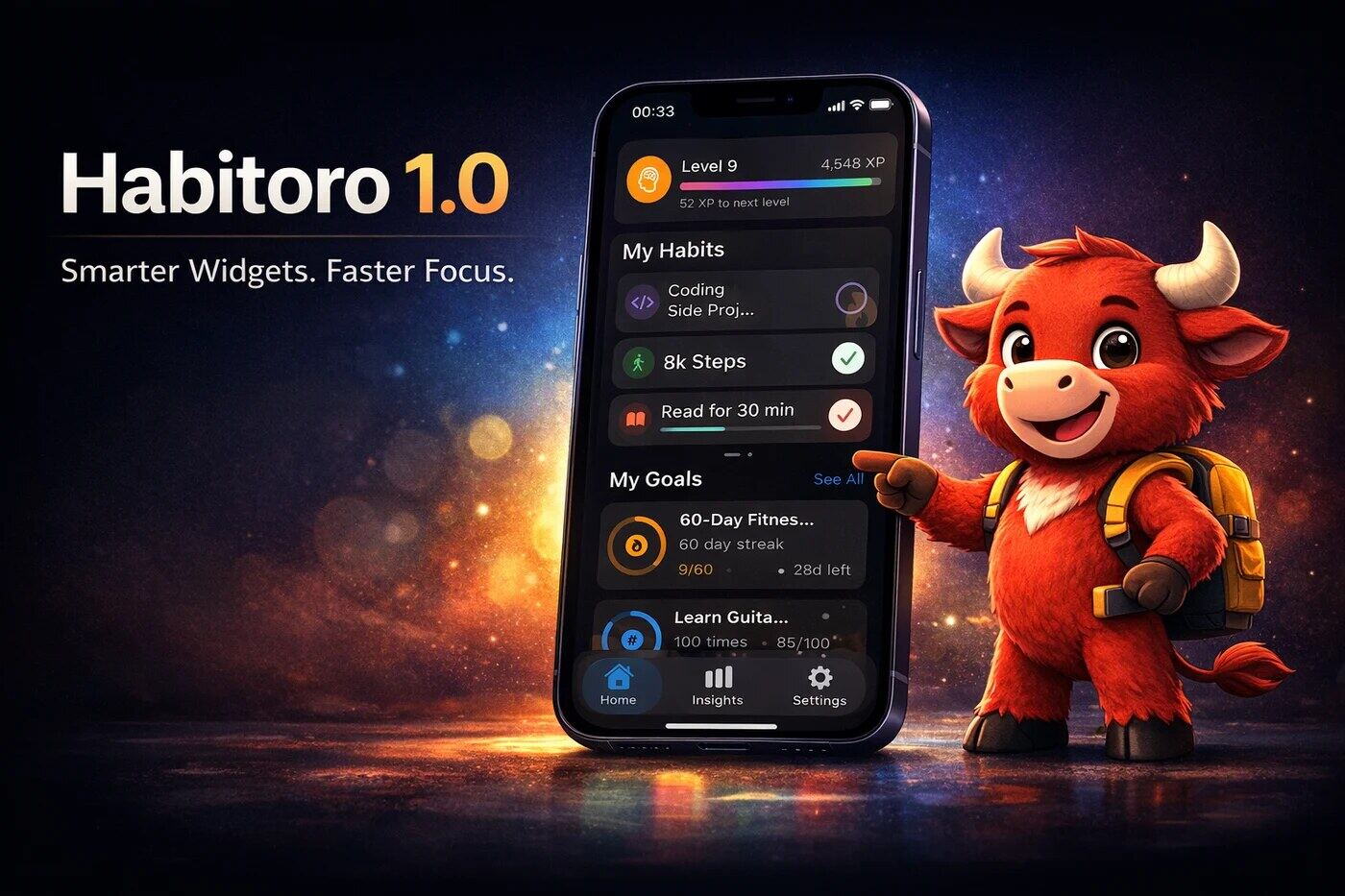
Most productivity apps ask for your attention. This release is about earning it.
Habitoro 1.0 turns the Home Screen from a glance-only panel into a place where you can make real progress in seconds.
Highlights at a glance
- Choose exactly which habits appear in your Habits widget.
- Choose which goals appear in medium and large Goals widgets.
- Start Focus from widget with quick time presets.
- Cleaner spacing and stronger readability across widgets.
- Better sync reliability for streaks and completion state.
Why this release matters
The friction between "I should do this" and "I did this" is where habits usually fail.
Habitoro 1.0 reduces that friction in three places:
- Decision making: you see the right habits and goals.
- Action: you can start focus instantly.
- Trust: what you tap on widget matches app state more reliably.
Widgets that fit your real life
Habits widget is now personal, not generic
Instead of showing a fixed set, the widget can now be configured with the habits you actually want to see that day.
That means your morning widget can be different from your evening widget, and both can reflect your current priorities.
Goals widget: personalized for medium and large sizes
Goal widgets now support selection configuration too, so medium and large layouts can highlight the goals you are actively pursuing.
No noise, no random ordering, no "where is the goal I care about?" moment.
Cleaner visual structure
We refined layout density, spacing, and card rhythm to improve glanceability.
In short: less visual clutter, faster scanning, stronger signal.
Focus starts in fewer taps
Focus widget now supports quick duration presets (like 15m, 25m, 45m) with a single Start Focus action.
What this means in practice
- Pick a duration on the widget.
- Tap Start Focus.
- Focus screen opens and starts with that duration.
No extra setup screen. No duplicate start step.
Reliability and sync improvements
We also fixed edge cases where widget actions could appear out of sync until you reopened a screen.
Included fixes
- Habit check-offs from widget now stay in sync more consistently with detail views.
- Streak updates refresh more reliably after widget interactions.
- Repeated focus starts now respect the newest selected duration.
Premium note
Home Screen widgets are part of Habitoro Premium, and this release expands the value of Premium in a practical way:
- more control over what appears on your Home Screen,
- faster session starts,
- and a clearer day-to-day productivity loop.
Who will feel this update the most
- Users who rely on widgets instead of opening the app for every action.
- Users managing several habits and goals at once.
- Users who want a faster path from intention to focus.
What to do after updating
- Update Habitoro on iPhone.
- Re-add or edit your existing widgets.
- Select your habits/goals in widget configuration.
- Try Focus presets from Home Screen.
If Habitoro is part of your daily routine, this is the release that makes the routine feel smoother.